Local DeepLynx install
Clone the DeepLynx repository
git clone https://github.com/idaholab/DeepLynx.git
Build the docker containers
cd DeepLynx
cp .env_sample .env
docker compose build
Start DeepLynx
docker compose up
This starts two services: the web UI (admin GUI) at http://localhost:3000/, which you use for the setup steps below, and the API at http://localhost:5000/api/v1, which the Prometheus platform talks to.
Set up a project
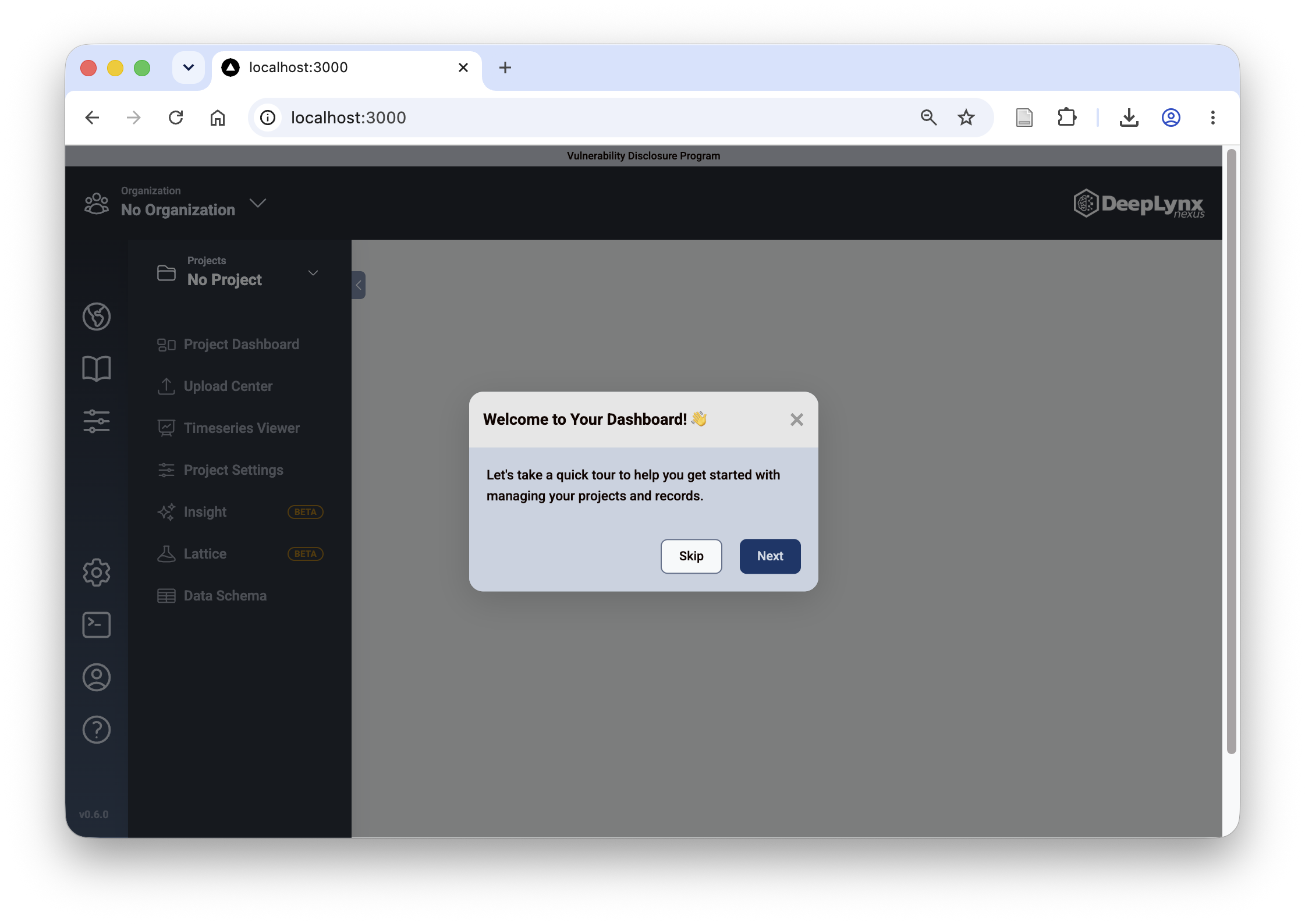
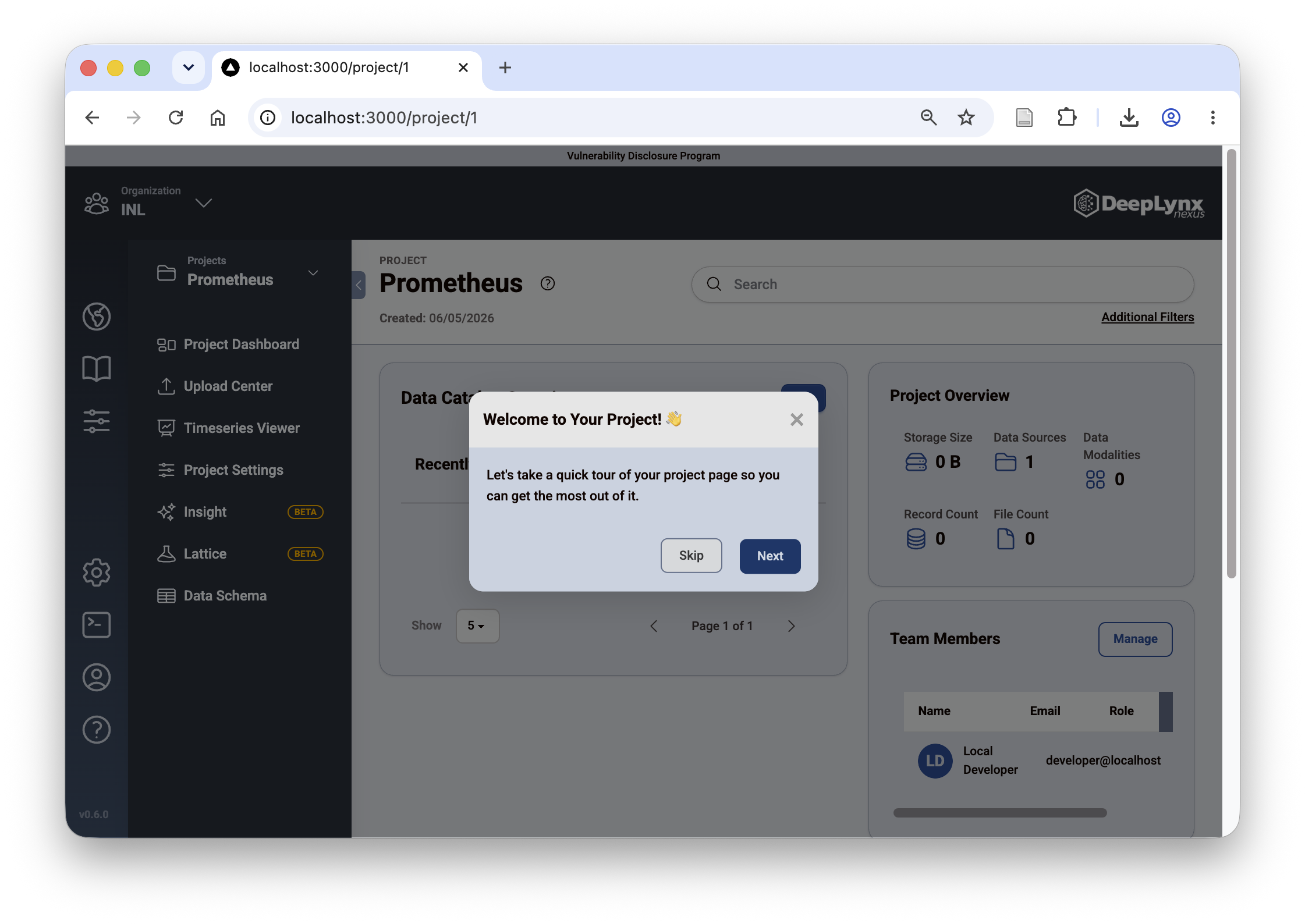
When you open DeepLynx you are greeted with a quick tour. Take it or skip it.
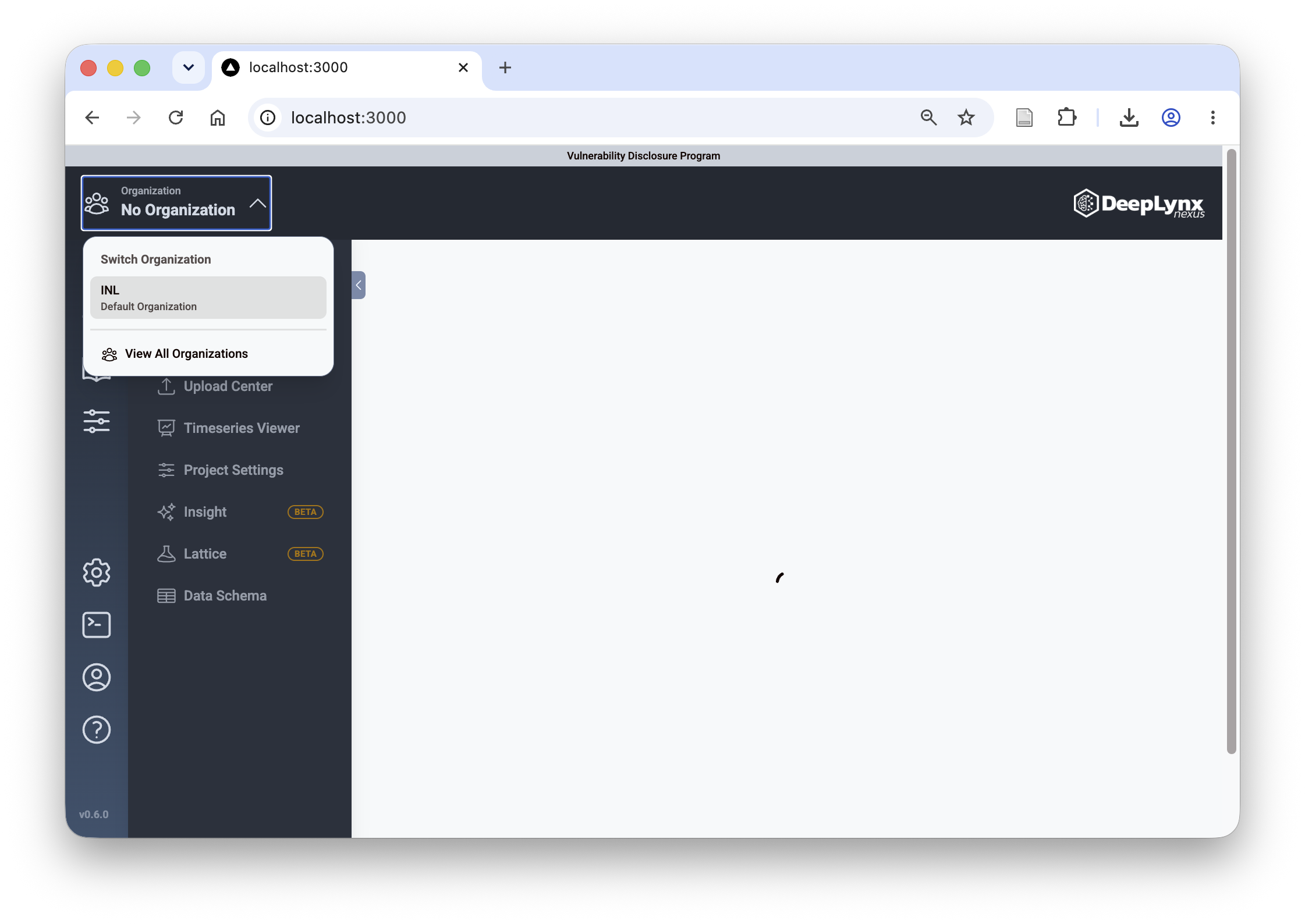
Next you must select an organization from the top left drop down menu. Choose "INL - default organization".
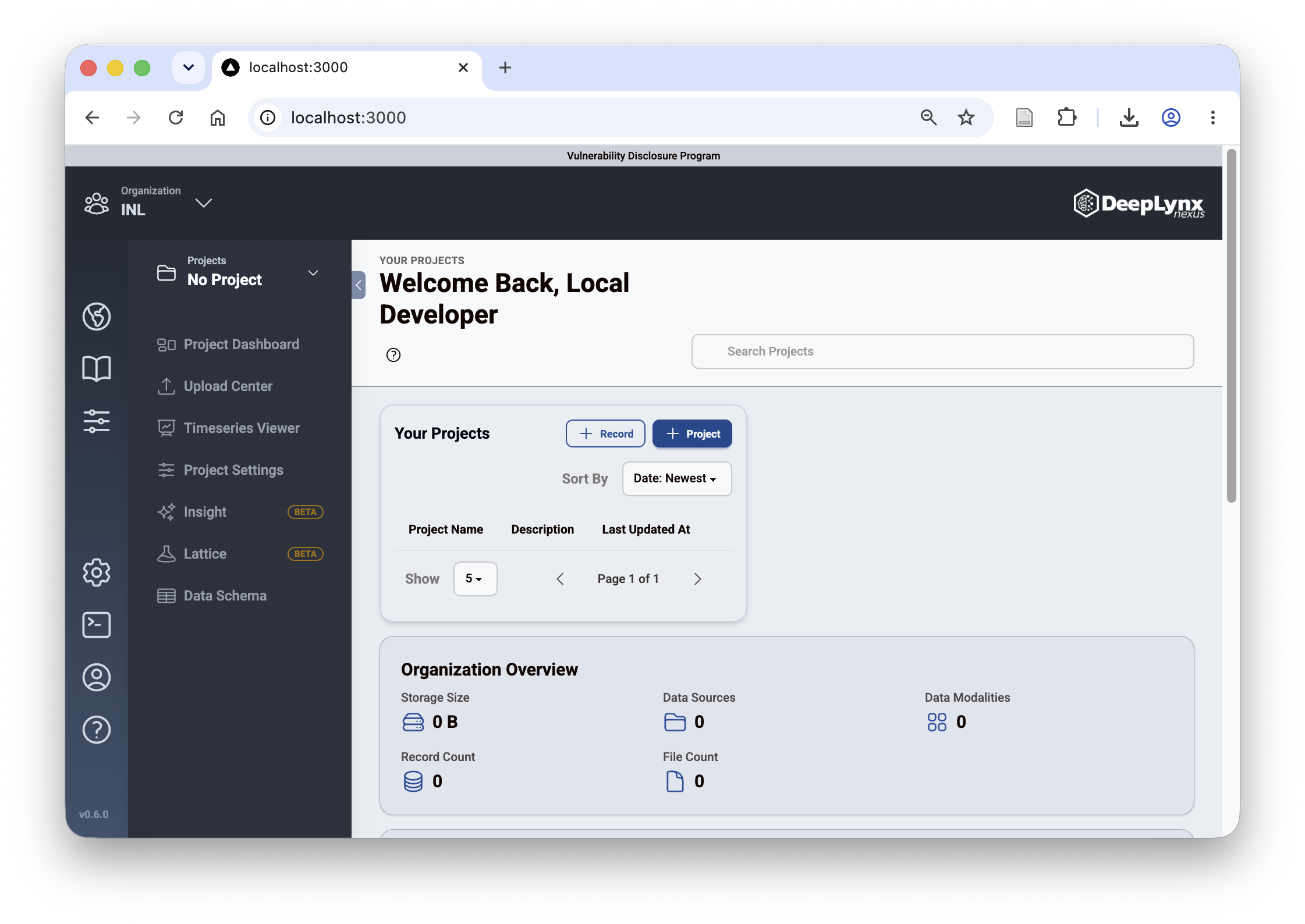
This organization is still completely empty, click on the "+ Project" button to create a project (think of it as a fenced-off database that you will utilize for the Prometheus Platform).
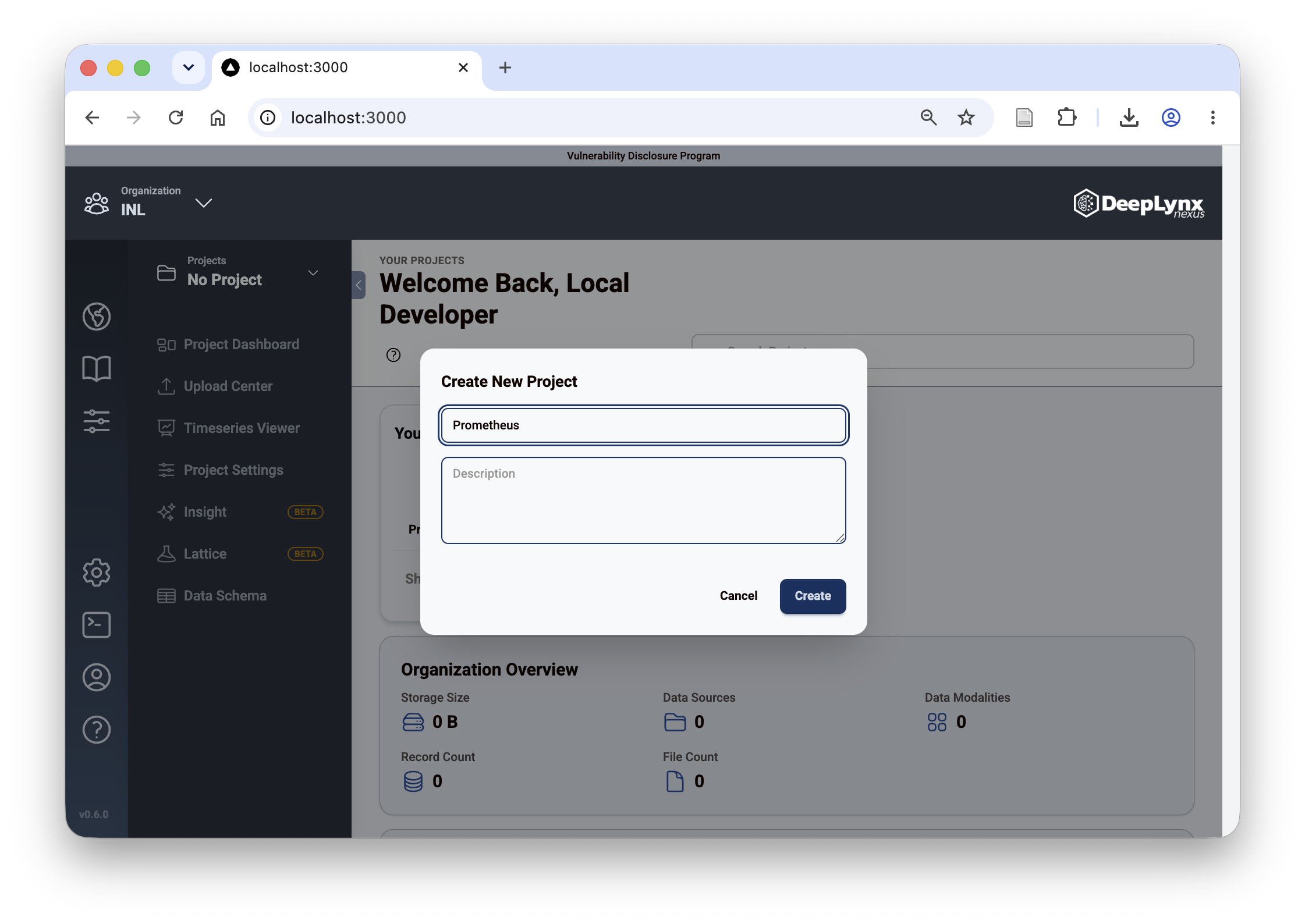
Give the project a name (any name will do).
Take or skip the quick tour. Note that the URL of the page now shows localhost:3000/project/1. 1 is the project ID of the project you just created (you can create more projects, note how they will all have different IDs).
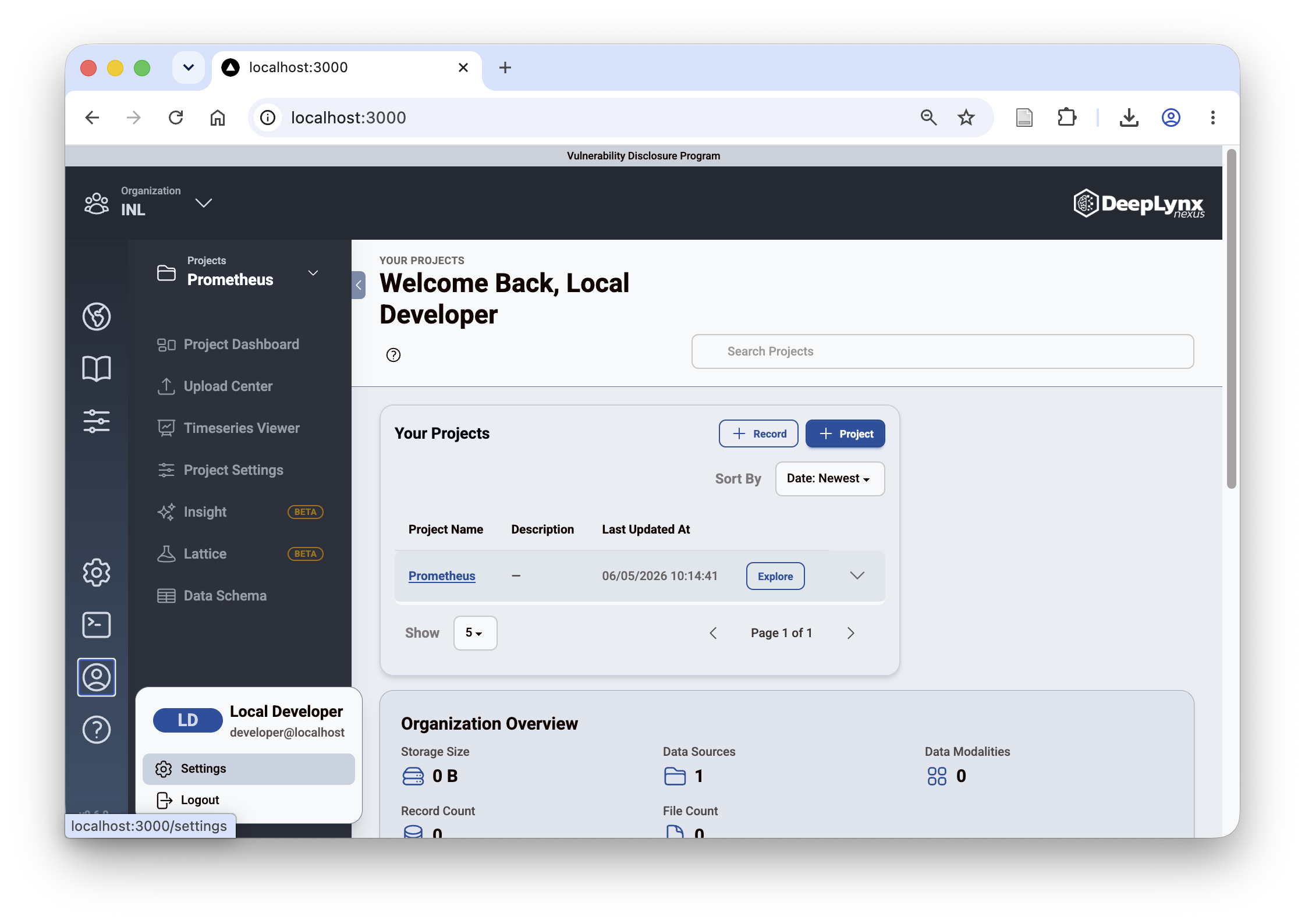
Next, in the bottom left click on the person icon and in the pop up menu under Local Developer click "Settings" (important, do not confuse this with the organization settings in the far left bar).
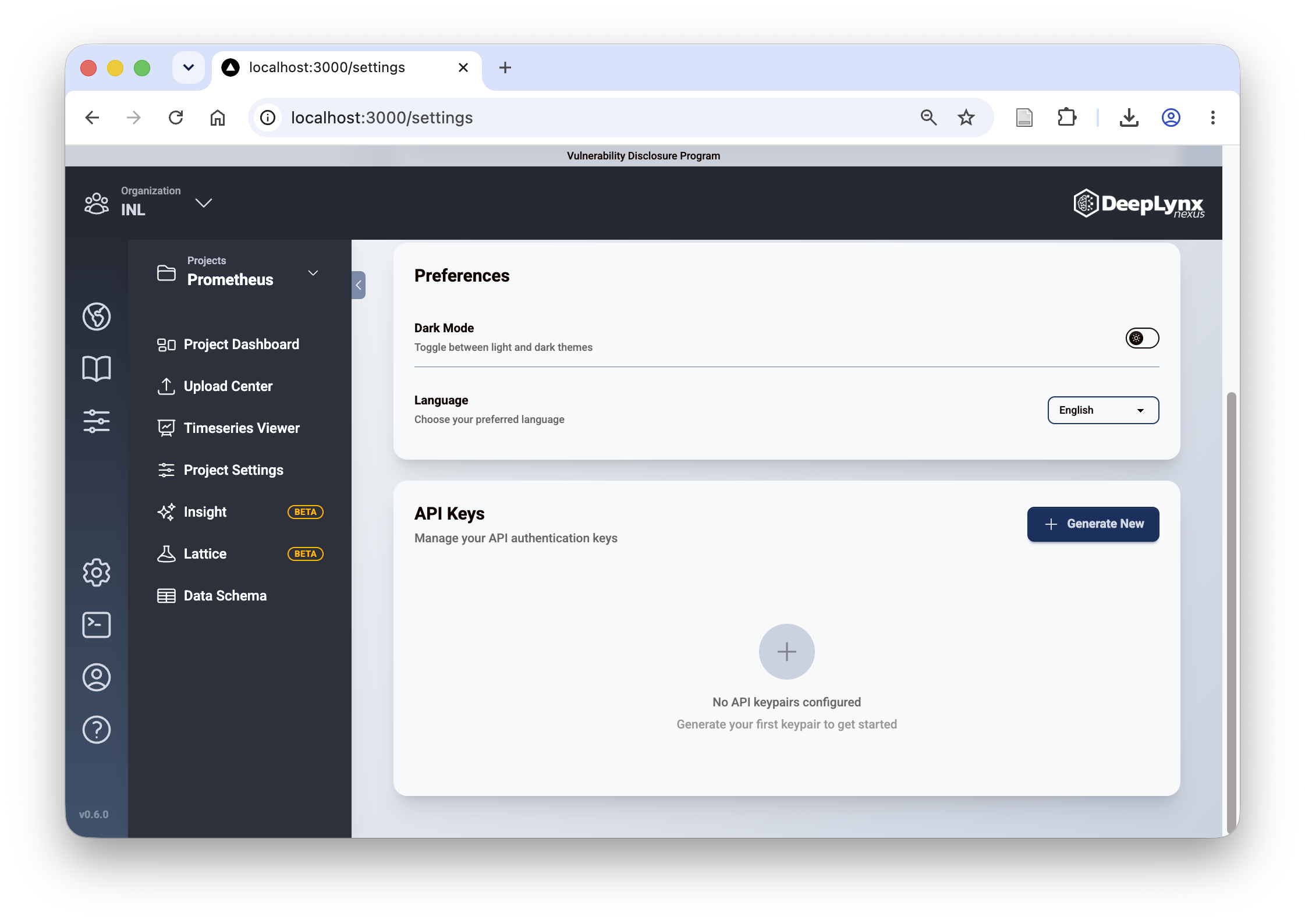
On the Settings page scroll down to the "API Keys" section and click "+ Generate New".
A popup will appear with a key and a secret — copy both now. This is the only time you will be able to see the secret!
Configure the platform to use the local DeepLynx
As noted above, the API (not the web UI on port 3000) is exposed on the host at http://0.0.0.0:5000/api/v1. From inside the Prometheus platform containers that host is available as prometheus.host.internal (mapped to Docker's host gateway on macOS and Linux alike), so set
DEEPLYNX_KEY=...
DEEPLYNX_SECRET=...
DEEPLYNX_BASE_URL=http://prometheus.host.internal:5000/api/v1/
DEEPLYNX_ORG_ID=1
DEEPLYNX_PROJECT_ID=1
and fill in the key and secret you just generated (and adjust the project ID if you created multiple projects and want to use a specific project).